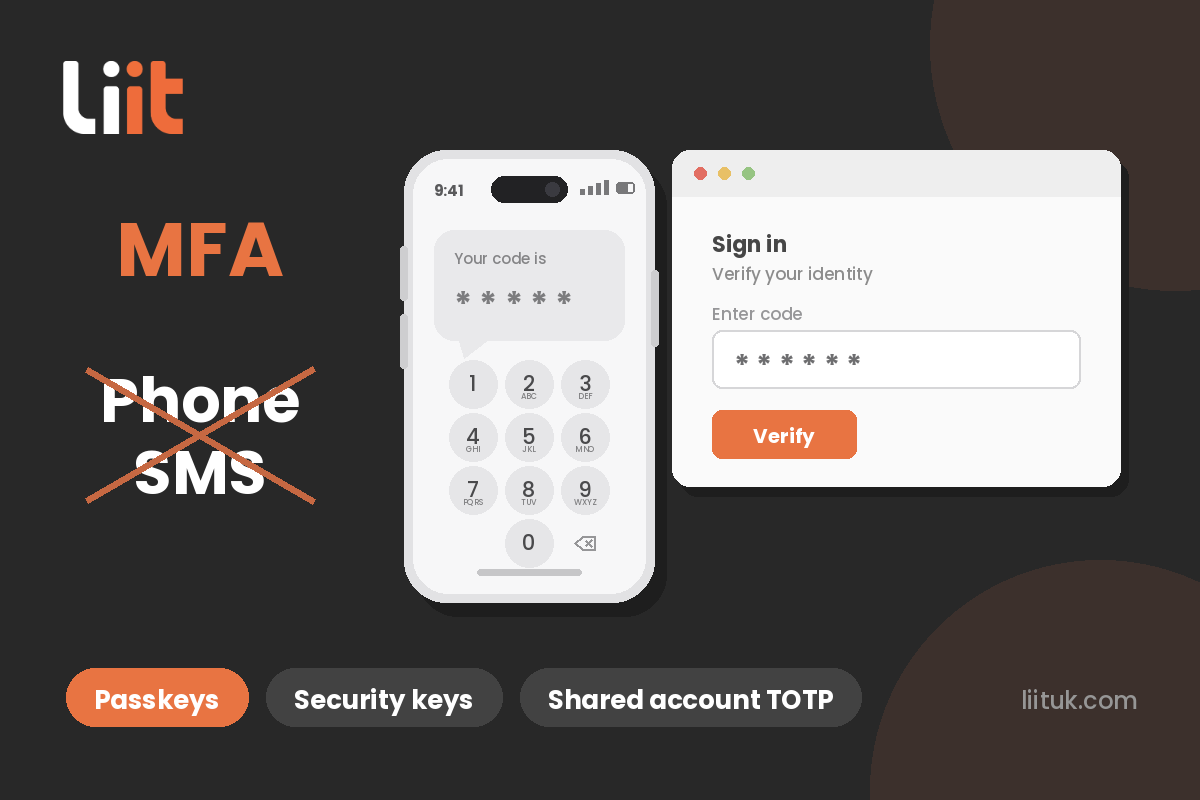
If your team signs in to Microsoft 365 / Azure with a code from a text message or phone call, that’s about to stop working. Microsoft is retiring SMS and voice authentication: from 1 February 2027 the codes simply won’t arrive, and anyone without an alternative set up will be forced to sort one mid-login before they can get into their account.
The good news: for most businesses the replacement is free and easier to use. But you don’t want your team finding this out at 9am on a Monday.
Why is Microsoft doing this?
Text codes can be intercepted, SIM-swapped or simply phished out of you with a convincing fake login page — and AI now produces those fakes at scale. Microsoft is moving everyone to methods that can’t be phished at all. SMS codes are a lock that opens if someone asks nicely; the replacements are a proper deadbolt.
The dates that matter
1 September 2026 — anyone still using text or call codes starts getting prompted at sign-in to set up a passkey. Snoozable for now, but it keeps coming back.
30 October 2026 — deadline to arrange a paid telecoms provider through Microsoft if you genuinely must keep SMS.
1 February 2027 — texts and calls stop. Anyone without an alternative is blocked at login until they register a passkey. No opt-out.
Your options — and what each costs
1. Microsoft Authenticator app — free. The approve-with-a-tap app most businesses already use. Not being retired; works on any smartphone.
2. Passkeys — free. Microsoft’s preferred replacement, included in every Microsoft 365 plan. Unlocked with your face, fingerprint or PIN — nothing to type, no code to steal, and fake login pages can’t trick it. Can live in the Authenticator app. Not sure what a passkey actually is? We’ve explained it in plain English: Passkeys, demystified.
3. Windows Hello for Business — free. If staff already sign in to their PC with a face scan, fingerprint or PIN, that same login can prove who they are to Microsoft 365.
4. Shared accounts — TOTP in a password manager like Keeper. Shared mailboxes and team logins can’t use one person’s phone. Store the account’s rotating six-digit code (TOTP) in a shared vault in a password manager such as Keeper, and everyone who needs it can sign in. Costs a few pounds per user per month — and you get proper password management thrown in.
5. Physical security keys — roughly £20–£60 each. A small USB/NFC key (YubiKey is the best known) you tap to sign in. Ideal for staff without a work smartphone. One-off cost, no fees.
6. Hardware key fobs — roughly £10–£20 each. A fob showing a changing six-digit code, like old bank tokens. Another phone-free option.
7. Keep SMS anyway — paid, last resort. Only for a genuine regulatory or technical need: you sign up with an approved telecoms provider through Microsoft and pay them per message, arranged by 30 October 2026. Ongoing fees for the least secure method — we’d avoid it unless there’s truly no alternative.
What we’d recommend
Passkeys in the Authenticator app for everyone with a smartphone, security keys for anyone without one, and Keeper-style TOTP for shared accounts. Total cost for most companies: little or nothing.
The real work is people, not tech: find out who’s still on text codes, pick the right method for each, and walk them through the two-minute setup before February forces it mid-login.
Quick answers
Do banking and other apps stop sending codes too? No — this only covers Microsoft sign-ins, though expect others to follow.
What if someone loses the phone with their passkey? Same as losing the phone that gets their codes today: IT resets their sign-in method. Routine — and a good reason to register more than one method per person.
Are passkeys harder to use? Easier. No waiting for a text, no typing digits — the pushback disappears the first time someone tries one.
Not sure who in your business still signs in with text codes? We can check your Microsoft 365 setup, tell you exactly who’s affected, and move everyone across before the deadline does it for you. Call us on 01442 933356 or get a quick quote — you’ll speak to an engineer straight away.


