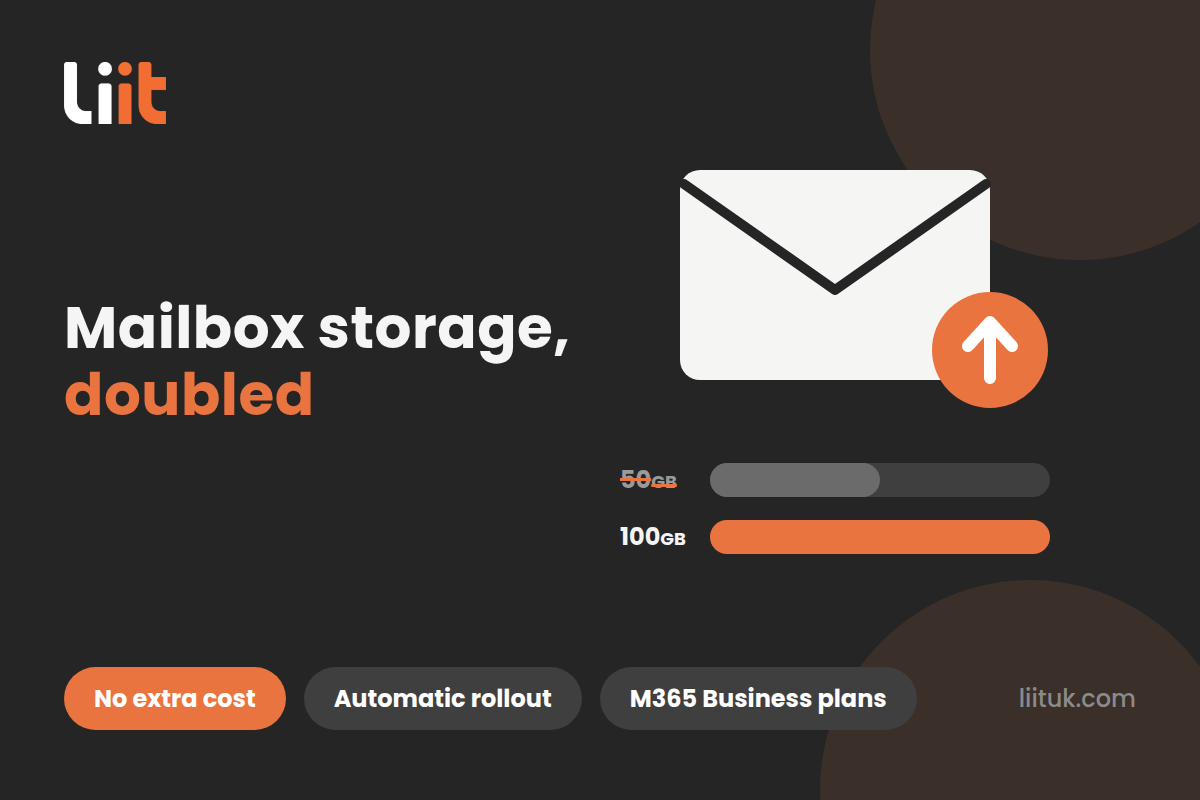
If your business runs on Microsoft 365, your inboxes are about to get some welcome breathing room. Microsoft is doubling the mailbox on its Business plans from 50GB to 100GB — with no price increase, no new licence, and nothing to install.
It’s already rolling out, so here’s what’s changing, who gets it, and honest answers to the questions we’re already being asked.
What’s changing?
For years, mailboxes on Microsoft 365 Business Basic, Business Standard and Business Premium have been capped at 50GB. For most people that’s plenty; for the person who’s been living with “your mailbox is almost full” warnings since 2023, it very much isn’t.
Microsoft is now doubling that cap to 100GB per user — the same primary mailbox size the big-company Enterprise plans have had for years.
Who gets it?
The increase applies to the three main Microsoft 365 Business plans — the ones most small and mid-sized businesses are on:
The standalone Exchange Online Plan 1 licence stays at 50GB, and Enterprise plans and Exchange Online Plan 2 already come with 100GB, so nothing changes there.
When does it happen?
The rollout started in June 2026 and Microsoft expects it to complete by the end of September 2026. It’s gradual, so don’t be surprised if some mailboxes in your business get the bigger allowance a few weeks before others — that’s normal.
Your questions, answered
How do I add it?
You don’t — and that’s the best part. There’s nothing to buy, nothing to switch on and no admin work to do. Behind the scenes, Microsoft is adding an extra 50GB storage entitlement to eligible licences, and it applies automatically as the rollout reaches your organisation.
Microsoft specifically advises against removing and re-adding licences to try to speed things up — it won’t help, and you risk breaking something that was working.
One caveat: if a custom mailbox size limit was ever set manually on your tenant, the automatic increase won’t override it. That’s the most common reason a mailbox stays stuck at 50GB after the rollout — it needs the old limit raised by an admin. If that sounds like you, we can sort it in minutes.
I already have Exchange Online Plan 2 — do I get 150GB?
Afraid not. Exchange Online Plan 2 already includes a 100GB mailbox, and Microsoft entitlements don’t stack — you get the highest single allowance, not the sum of them. So Plan 2 stays at 100GB, and holding Business Premium and Plan 2 together still gets you 100GB.
Plan 2 still earns its keep, though: it includes an auto-expanding archive (up to 1.5TB of extra storage), litigation hold and other compliance features that this upgrade doesn’t touch.
Will it cost anything?
No. Same licence, same price, double the mailbox.
Does my archive get bigger too?
No — this change is for your primary mailbox only. Archive mailboxes and compliance features are unchanged. If you’re chewing through storage at a rate where archiving matters, that’s a conversation about Exchange Online Plan 2 or a proper email retention policy.
What if my mailbox is still 50GB in October?
Then something needs a nudge — usually a manually-set quota from years ago, or a licensing quirk. It’s a quick check in the admin centre, and it’s exactly the sort of thing we do for our clients without being asked.
What should you do?
For most businesses: nothing. Enjoy the space. But if your team is constantly fighting “mailbox full” warnings, paying for add-on storage, or you’re not sure which Microsoft 365 plans you’re actually on, it’s worth a five-minute conversation — there’s a good chance you’re due this upgrade for free.
Want us to check your tenant has the new allowance applied? Call us on 01442 933356 or get a quick quote — you’ll speak to an engineer straight away.


